How do I add a Job Profile Description?
- Updated on Oct 28, 2026
- Published on Sep 11, 2023
For information on what a Job Profile Description is please click here
To add a Job Profile Description, you will need to access your Portal.
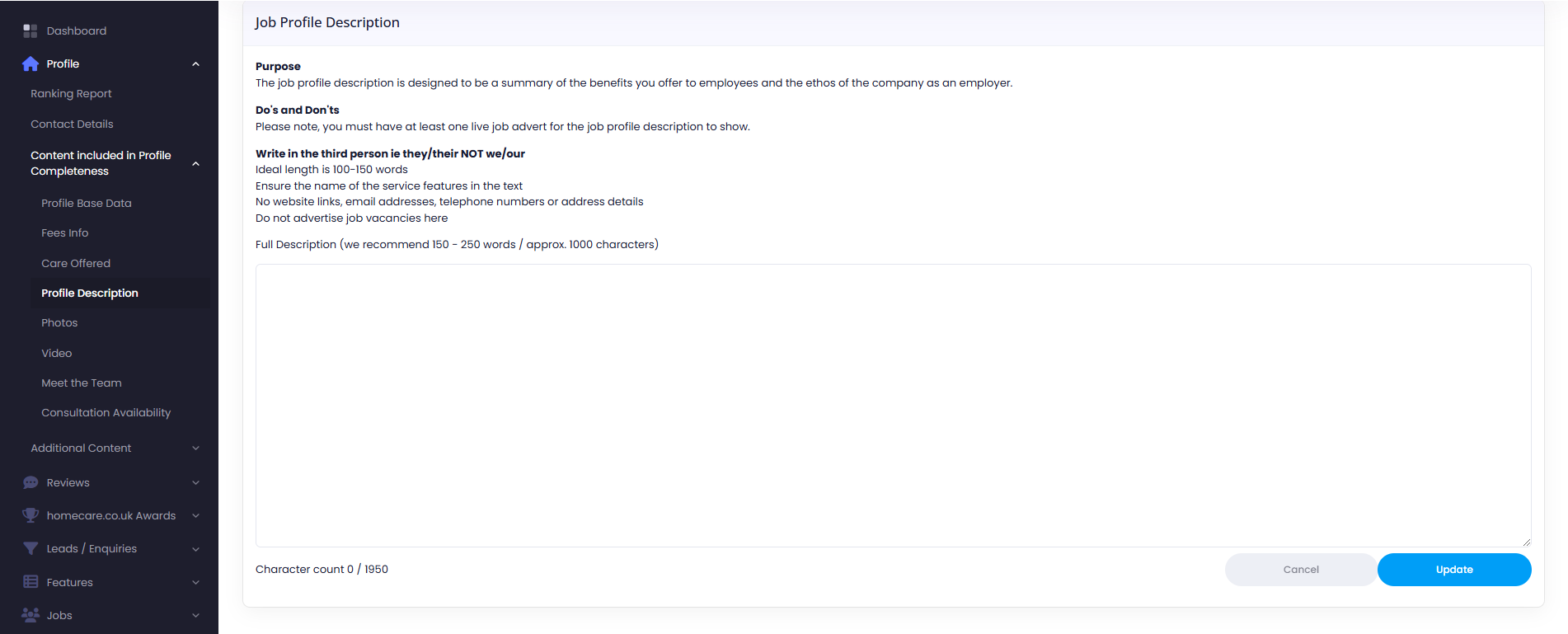
From here you will find the navigation panel on the left side. Select Jobs > Job Profile Description
You can then type your Job Profile Description into the box.
Was this article helpful?